
Ask Your Software How It Works: A Practical Guide to REA
How AI agents are turning reverse engineering from a weeks-long chore into evidence-backed answers about the software you already own
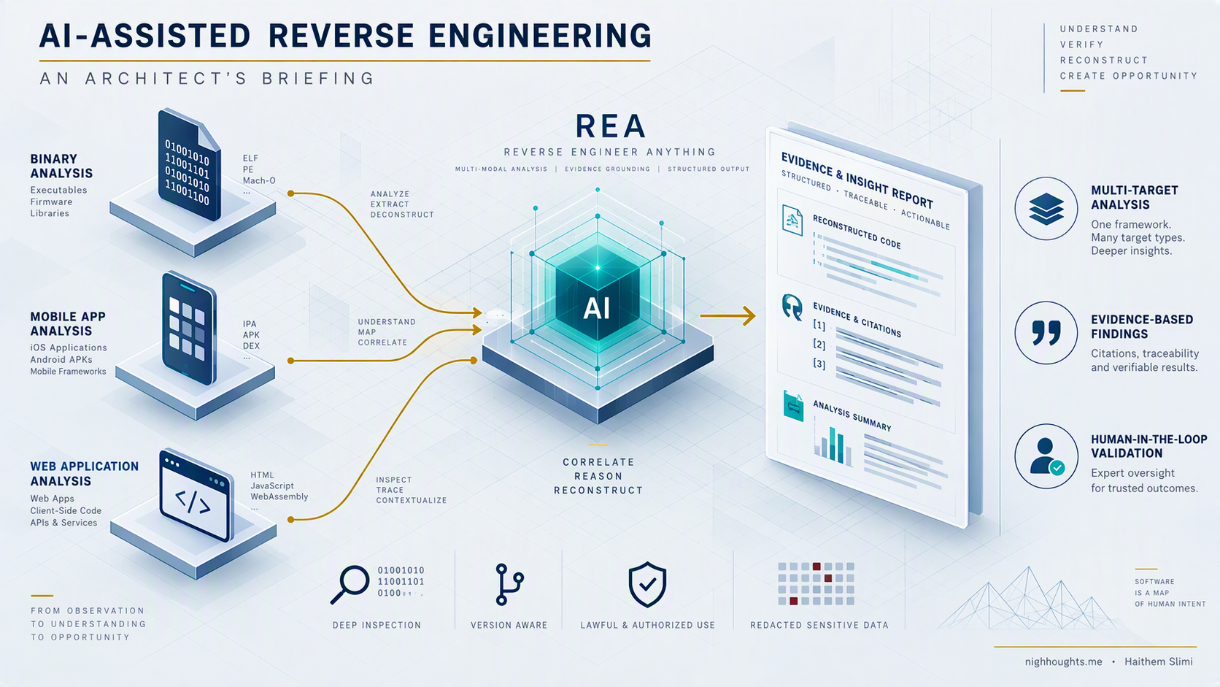
TL;DR — REA is an open-source MCP server and CLI that lets an AI agent drive Ghidra, IDA, or Hopper — plus built-in analyzers for JavaScript, .NET, Go, Rust, Android, websites, and network captures — so you can ask functional questions about software in plain language and get answers with cited evidence. It's an orchestration layer, not a decompiler, and not a source-code recovery machine.
Everyone who works with software eventually inherits something nobody fully understands — a legacy service with no living author, an acquired product with partial docs, a vendor binary you must integrate, an Electron app whose behavior lives only in team folklore. The usual answer is weeks of manual reverse engineering in Ghidra or IDA: expensive, slow, and hard to justify.
REA (Reverse Engineer Anything) changes the economics of that work. It's an open-source MCP server and CLI that lets an AI agent (Claude Code, Codex, Cursor, Gemini CLI) drive professional analysis tools for you — so you can ask functional questions about software in plain language and get answers with evidence attached.
This is a short, practical briefing: what REA is, why it's worth a pilot, and the kinds of questions you can actually ask.
What REA Is (in one paragraph)
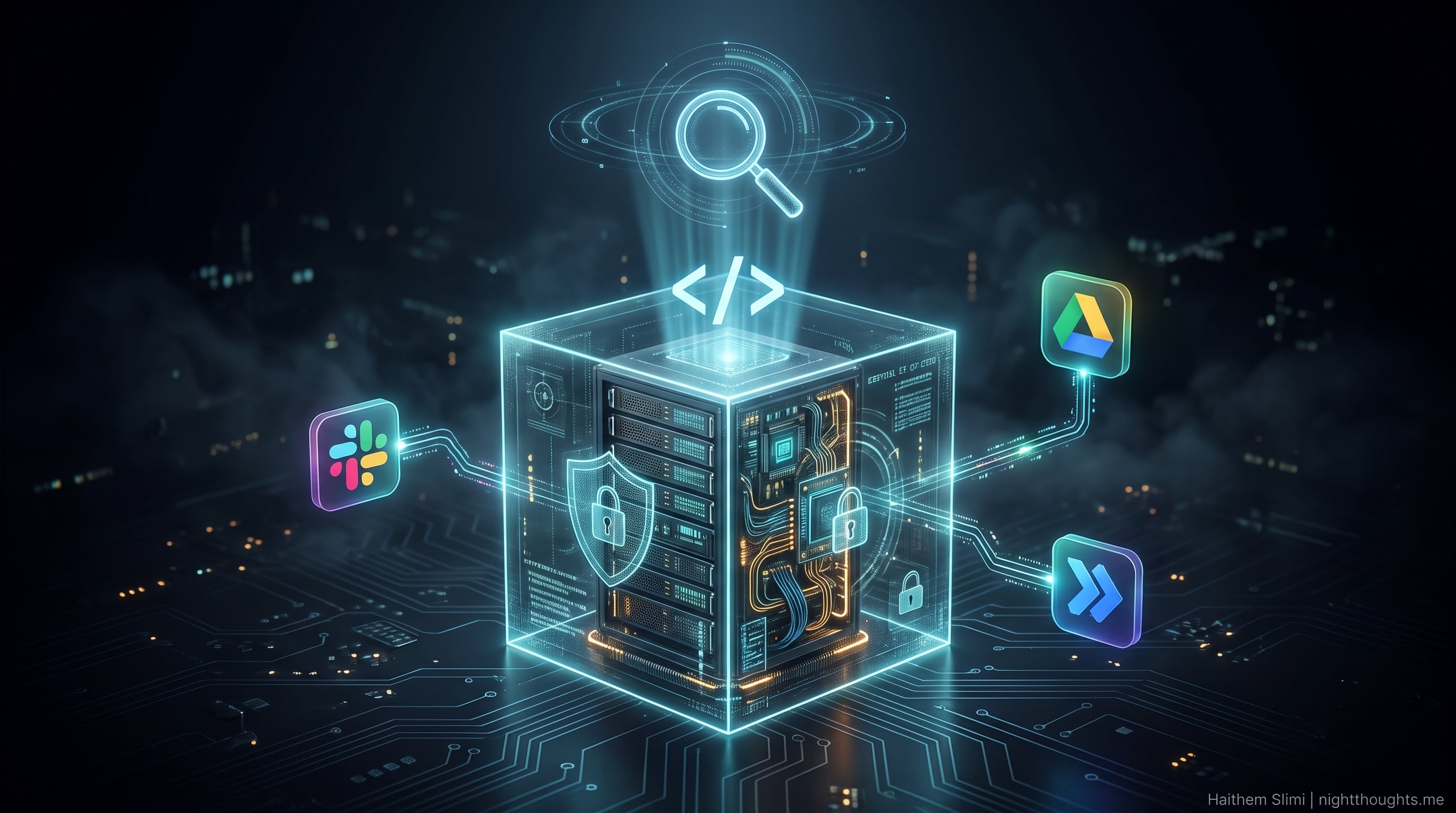
REA is an orchestration layer, not a decompiler. It connects an AI agent to existing engines — Hopper, Ghidra, or IDA for native binaries — plus built-in analyzers for JavaScript/Electron, .NET, Go, Rust, Android APKs, websites, and saved network captures. You ask a question; the agent picks the right tool, runs the analysis locally, and returns findings with evidence, limitations, and unknowns cited. Several targets (JavaScript, .NET, Go, Rust) need no native engine at all.
Why It's Worth a Pilot
| Benefit | In practice |
|---|---|
| Faster onboarding | New joiners interrogate unfamiliar code instead of reading it for weeks |
| M&A and vendor due diligence | Citable answers about what a binary or app actually does — before you commit |
| Supply-chain visibility | Identify bundled libraries, compiler versions, and outbound calls in third-party components |
| Security and compliance review | Evidence-linked findings you can attach to an audit trail, not a black-box summary |
| Documentation recovery | Turn tribal knowledge into written, sourced explanations |
| Reduced key-person risk | The software explains itself after the original author leaves |
| Lower tooling cost | Static analysis of JS/.NET/Go/Rust needs no Ghidra or IDA license |
| Support and escalation | Answer "why does it behave like this?" without a rebuild and a debugger |
The evidence contract is the differentiator: every result carries a result, an evidence_id, and explicit limitations and unknowns. That's the difference between "the AI said so" and "here's where we verified it."
The Core Value: Asking Functional Questions
Instead of reading code line by line, you ask how a behavior works — and the agent traces the answer, sometimes across layers.
Questions by target
Electron / JavaScript apps
- "How does the renderer talk to the main process? List every IPC channel and what it does."
- "What exactly is exposed through
contextBridge?" - "Which modules make outbound HTTP calls, and to which hosts?"
- "How is auto-update triggered, and where does it fetch from?"
Native binaries (Hopper / Ghidra / IDA)
- "How does the licensing check work? Trace the call chain from startup."
- "Where is the config file parsed, and what format does it expect?"
- "Which functions handle encryption, and what algorithm and key size?"
- "What happens when the user clicks Export? Walk me through the call graph."
.NET assemblies
- "List the public API surface and the native dependencies this assembly loads."
- "Which methods touch the registry, and with what keys?"
Go / Rust binaries
- "What compiler version and module list produced this binary?"
- "Which packages are linked, and are any outdated or known-vulnerable?"
Android APKs
- "What permissions does this app request, and where are they used?"
- "Which third-party SDKs are embedded?"
Websites and network captures
- "Which endpoints does this page call, with what payloads?"
- "Reconstruct the API contract from this HAR file."
The loop
- Ask a functional question.
- The agent investigates, choosing the right engine via REA's bundled Skill.
- REA returns structured evidence — pseudocode, call graphs, request logs, with citations.
- Iterate — follow up, trace deeper, resolve an
unknown. - Document or rebuild — attach evidence to your notes, or reconstruct and verify the behavior.
Notably, REA can trace across layers — e.g., from an Electron renderer through IPC into the main process and down to a native addon — which previously meant stitching several tools together by hand.
What REA Does Not Do
Credibility comes from clear boundaries:
- Not a source-code recovery machine. Successes are function-level and target-specific, not full rewrites.
- Depth is capped by the engine underneath. Ghidra/IDA quality still governs native analysis.
- Obfuscation is still hard — control-flow flattening and virtualization challenge current LLMs.
- Local analysis ≠ local conversation. Binaries stay on your machine, but agent tool results flow to the model provider. For sensitive targets, that's a compliance gate, not a footnote.
- Clean-room IP concerns are real. The same agent reads the original and writes the replacement, which undermines traditional clean-room independence. Treat REA as an authorized investigation tool, not a cloning tool.
Independent tests confirm the pattern: strong results on well-scoped functions in unobfuscated targets; missed call relationships and premature "analysis complete" claims on larger binaries.
Getting Started
Prerequisites: Node.js 22.19+ / 24.11+ / 26+ and npm.
npx rea-agents@latest setup
The wizard detects your agent (Claude Code, Codex, Cursor, Gemini CLI, etc.), shows exactly what it will change, backs up your config, and applies changes only after approval. Preview first:
npx rea-agents@latest setup --client codex --dry-run --json
Try it without Ghidra on a JavaScript/Electron app:
npx -y rea-agents@latest analyze-javascript-application /absolute/path/to/app --json
No MCP setup, no native engine, no execution of the target.
Check readiness:
rea doctor
This audits agent registration, the installed Skill, and optional engines.
Install only from github.com/morluto/rea, the npm package rea-agents, or rea.tools. Counterfeit repositories have shipped malware under the REA name.
The Takeaway
REA doesn't replace judgment, threat modeling, or legal review. What it replaces is the manual triage layer — the weeks of context-gathering between a question and an evidence-backed answer.
For anyone who has to understand software they didn't write — developers, security engineers, tech leads, product owners, consultants, due diligence teams, support and operations — that means faster, cheaper, auditable understanding of software you already own or are authorized to inspect.
You can finally ask your software how it works — and get an answer you can cite.
References
- REA repository: github.com/morluto/rea
- Official site: rea.tools
- npm: rea-agents
- Independent technical research (architecture, evidence contract, security model): ringozzt/rea-research
- Overview (target table, setup, star timeline): Apidog — What Is REA?
- Showcases and community reception: InfoQ — Reverse Engineer Anything Project Brings AI Agents to Binary Analysis
- Hands-on test against real source code: Testing REA Against T3 Code
- Tool comparison (REA vs. IDA MCP, GhidraMCP): AI reverse-engineering tools compared
- Limits, test failures, counterfeit warning: Hyper.ai summary
- Legal risk analysis (clean-room, EULA, copyright): AI逆向工具REA法律风险分析
- Beginner manual (REA + Ghidra): GitHub Discussion #3791
Disclaimer: Only analyze software you own or are explicitly authorized to inspect. Ensure compliance with license terms, contracts, and applicable law before running REA against any target.
— Haithem Slimi · nighthoughts.me
About the author
- Father of two, tech lover. Building systems by day, raising curious minds by night.
Comments
Join the discussionNo comments yet. Be the first to comment.